
One gesture, nothing to memorise
Drag, click, type. No modifier-key combinations; the status bar tells you the next step and hint cards show every tool in a few seconds.
Meet Notalia™, lightweight, easy to use and full of unique features! It is made for all your notation needs, from Western classical to Turkish music, from complex contemporary works to practical lesson material.
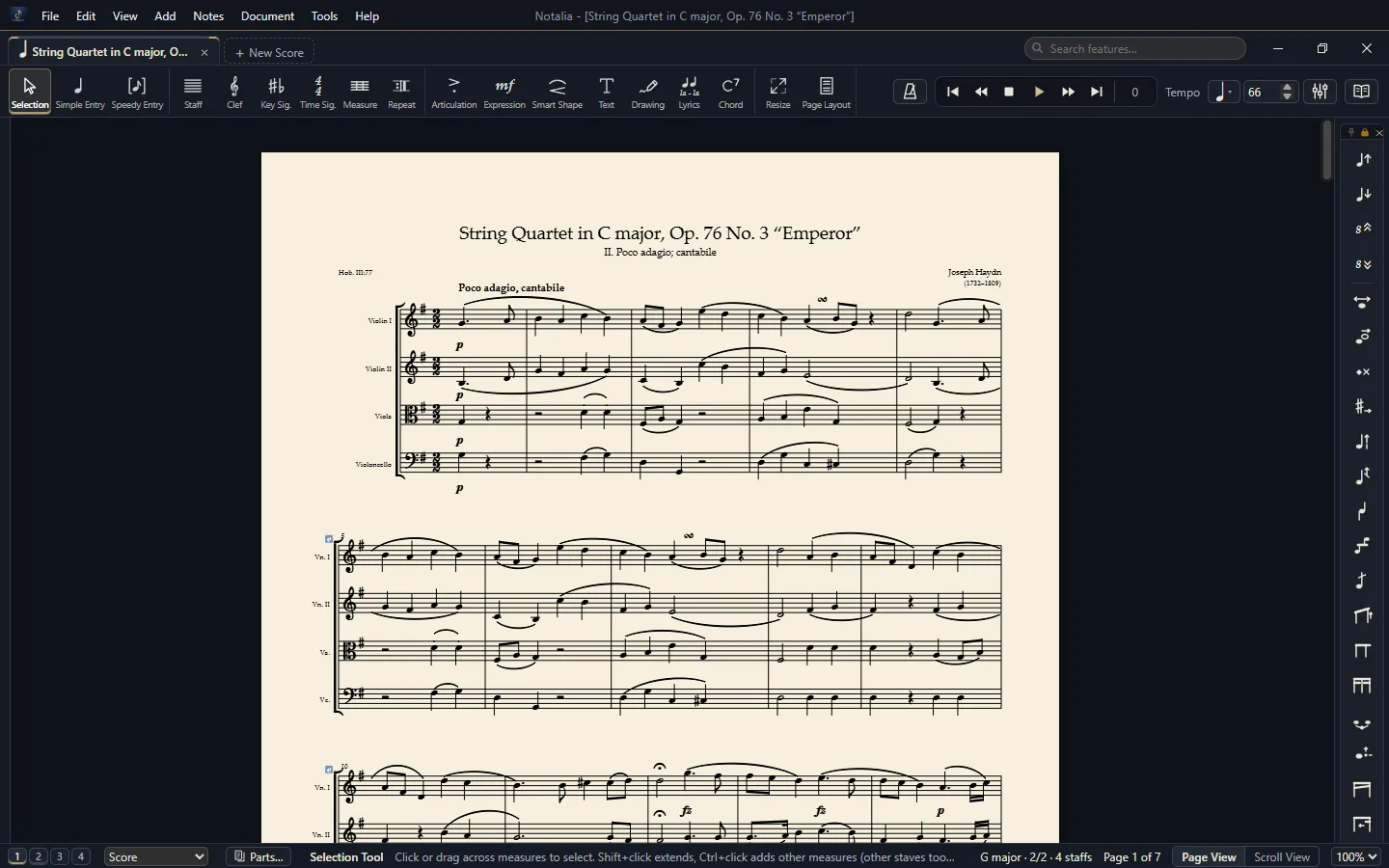
Haydn · “Emperor” String Quartet, Op. 76 No. 3Sabâ Saz Semâîsi · ney and kudüm, in the Aksak Semâî usûlEşik · a contemporary piece for flute, piano and celloAll three are sample scores that come with Notalia.
Notalia is built on three principles: easy to use, everything at hand, and light on your computer.
Every tool works with one plain gesture. There are no modifier-key combinations to memorise; the status bar tells you the next step and hint cards show every tool in a few seconds.
Tools, palettes and libraries are one click away. Dock the palettes on any edge, and type what you are looking for into the search box.
An installer of about 150 MB, with no administrator rights needed. Built to run comfortably on older computers too.
Being user-friendly is a design rule for us: even the finest job is done with one plain gesture. We added graphic notation by the same rule.
Drag, click, type. No modifier-key combinations; the status bar tells you the next step and hint cards show every tool in a few seconds.
You are not limited to the ready-made keys. Choose any sign for every step: koma, THM and quarter-tone signs stand side by side in one key signature.
Drag the handle over a repeat sign into the measure: the measure is split there and the measure numbers stay right. No key to hold.

With our user-friendly rule in mind we added graphic notation: you draw straight on the page with a pen, lines, curves, boxes, ellipses and arrows. Drawings belong to their measure and stretch with it; a growing line opens with its diamond handle.
Recorded in the program while drawing with the Drawing Tool.
Write with the keyboard, the mouse or a MIDI keyboard.
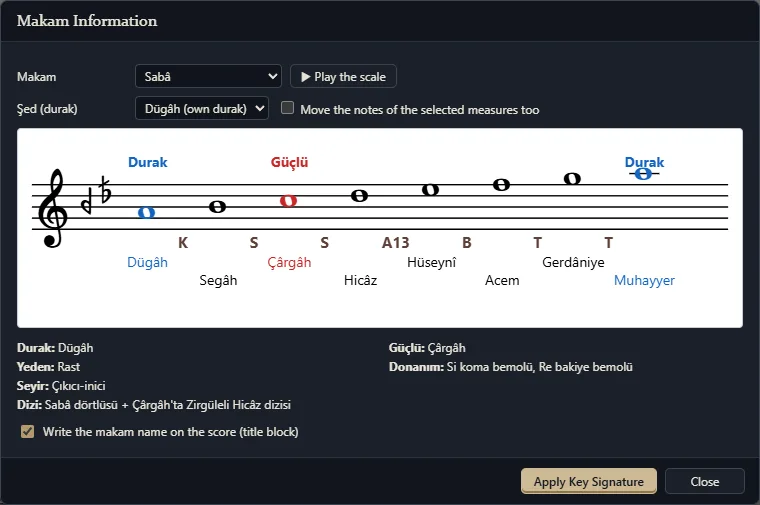
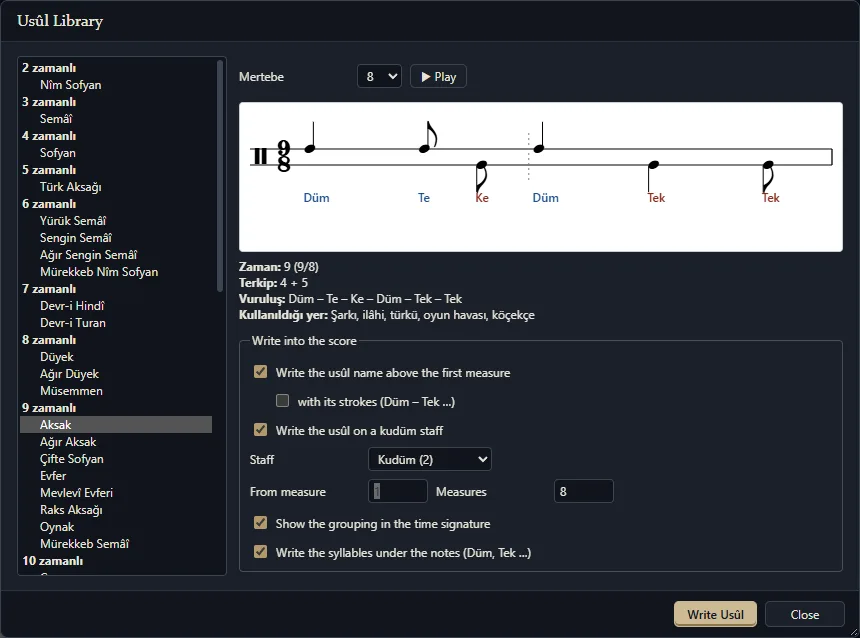
Koma accidentals, perde names, an usûl library.
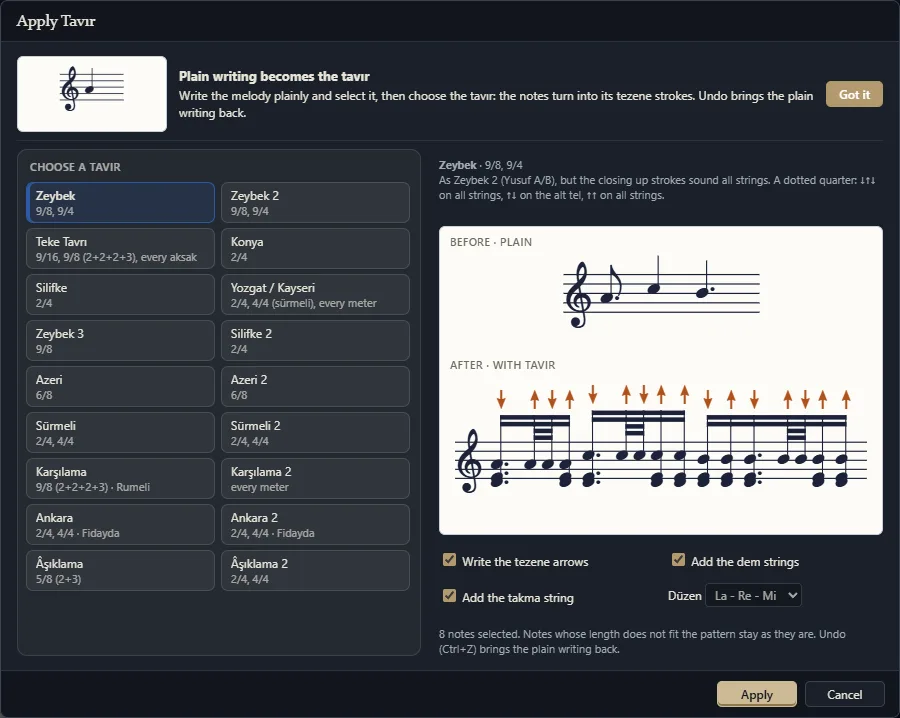
A plain melody becomes tezene strokes in one click.
Graphic notation; drawings stretch with the measure.
Chord symbols, fretboards, a linked TAB staff.
Cue notes, multimeasure rests, 4 layers.
Own numbering, style, prefix and suffix per section.
Sizes never change by themselves; you decide.
Makam notes play at the exact koma pitch.
MusicXML, MIDI, .musx, .mscz with their layout; guitar tab files, .enc, chord charts.
PDF, MusicXML (.mxl), MIDI, WAV / MP3, images, Braille, .ly, MEI.
A few seconds of animation for every tool.
Three looksLight / dark theme7 music fonts220+ instrumentsA dictionary of 500+ termsAuto saveEnglish and TurkishWindows and Mac
Designed to be user-friendly: every tool you need is close at hand and works with one plain gesture. Click the headings below to look inside the program.
Enter notes measure by measure from the computer keyboard or a MIDI keyboard. Prefer the mouse? Simple Entry is ready.
Set up a new score in a few steps: choose the instruments, enter the title and composer, pick the key and time signature.
A pen, lines, curves, boxes, ellipses and arrows for graphic notation. A drawing belongs to its measure and stretches with it.
Chord symbols, guitar fretboards and a TAB staff linked to the music staff. You write the notes; the fret numbers follow by themselves.
Notalia lays out the page while you write. When you need to, drag the handles to set the margins and systems by hand.
Volume, Solo and Mute for every instrument, at the bottom of the window. Changes are heard at once during playback.
More than 500 terms, perdes, makams and usûls, explained in English and Turkish, inside the program.
Click the icon of a tool: a small animated card shows in a few seconds how the tool is used.
PDF, MusicXML, MIDI, audio, images and Braille music: every format in one window.
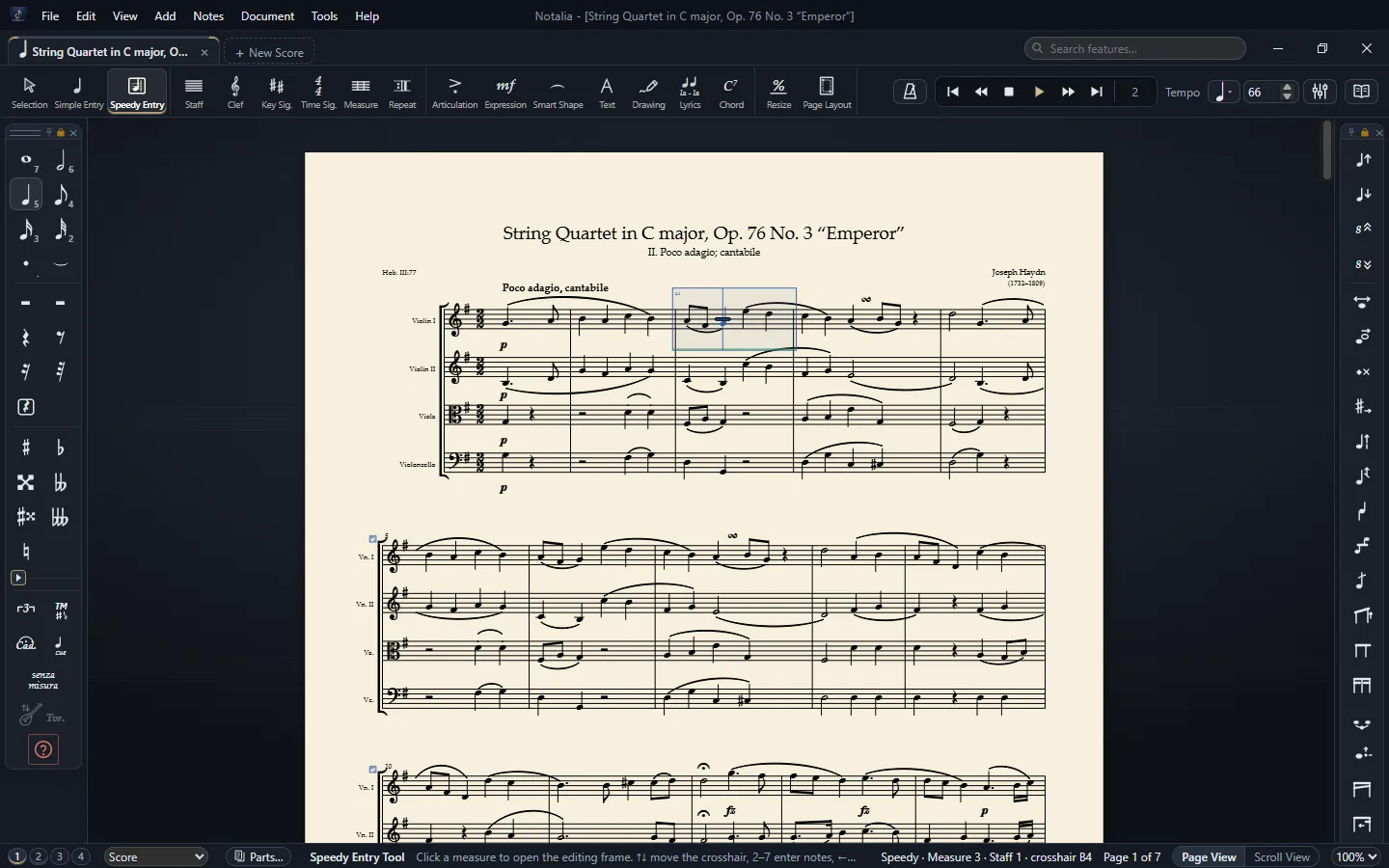
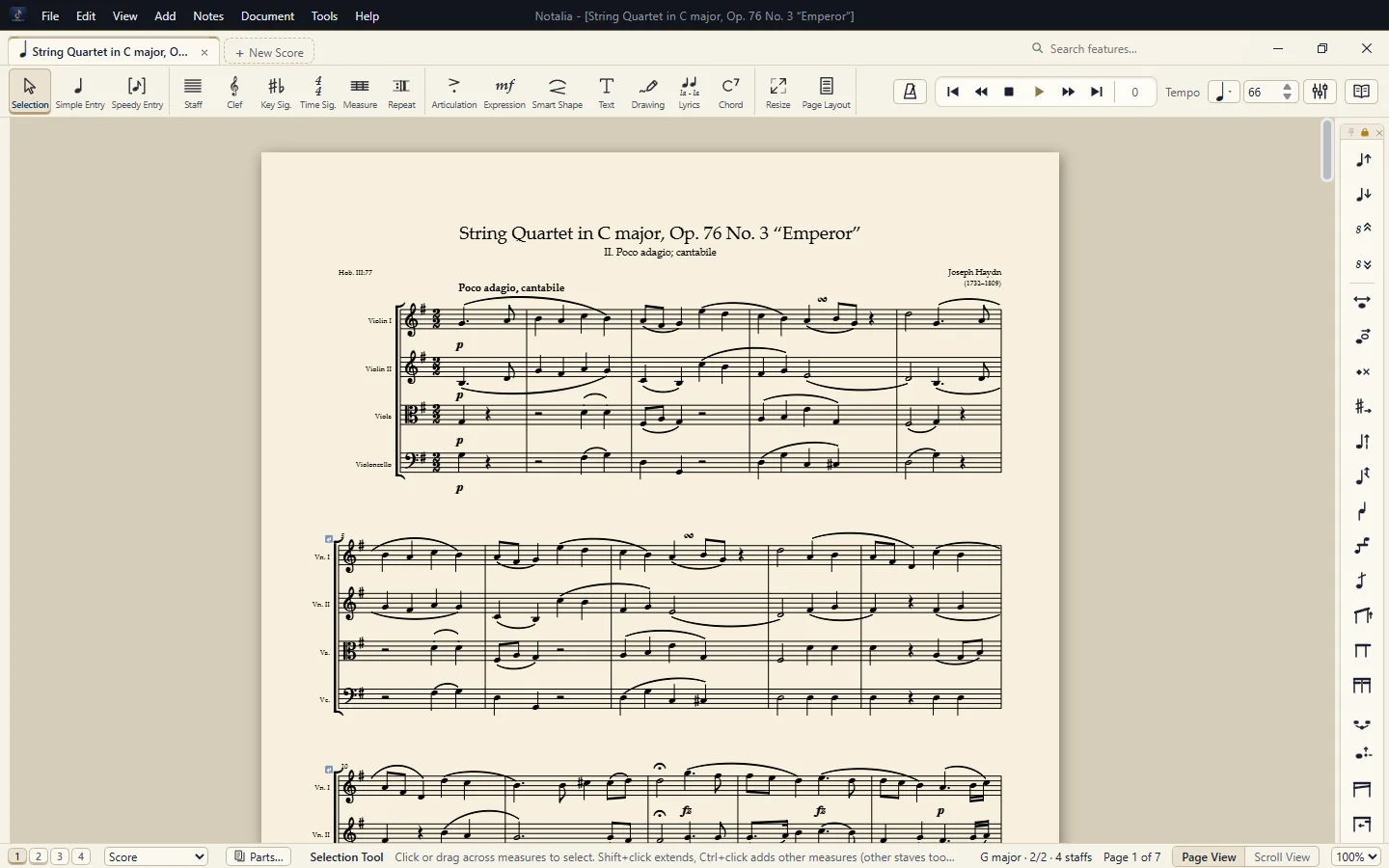
Three looks, a light and a dark theme, four paper colours. All of it is in Preferences: set up the screen that is easiest on your eyes in one click.
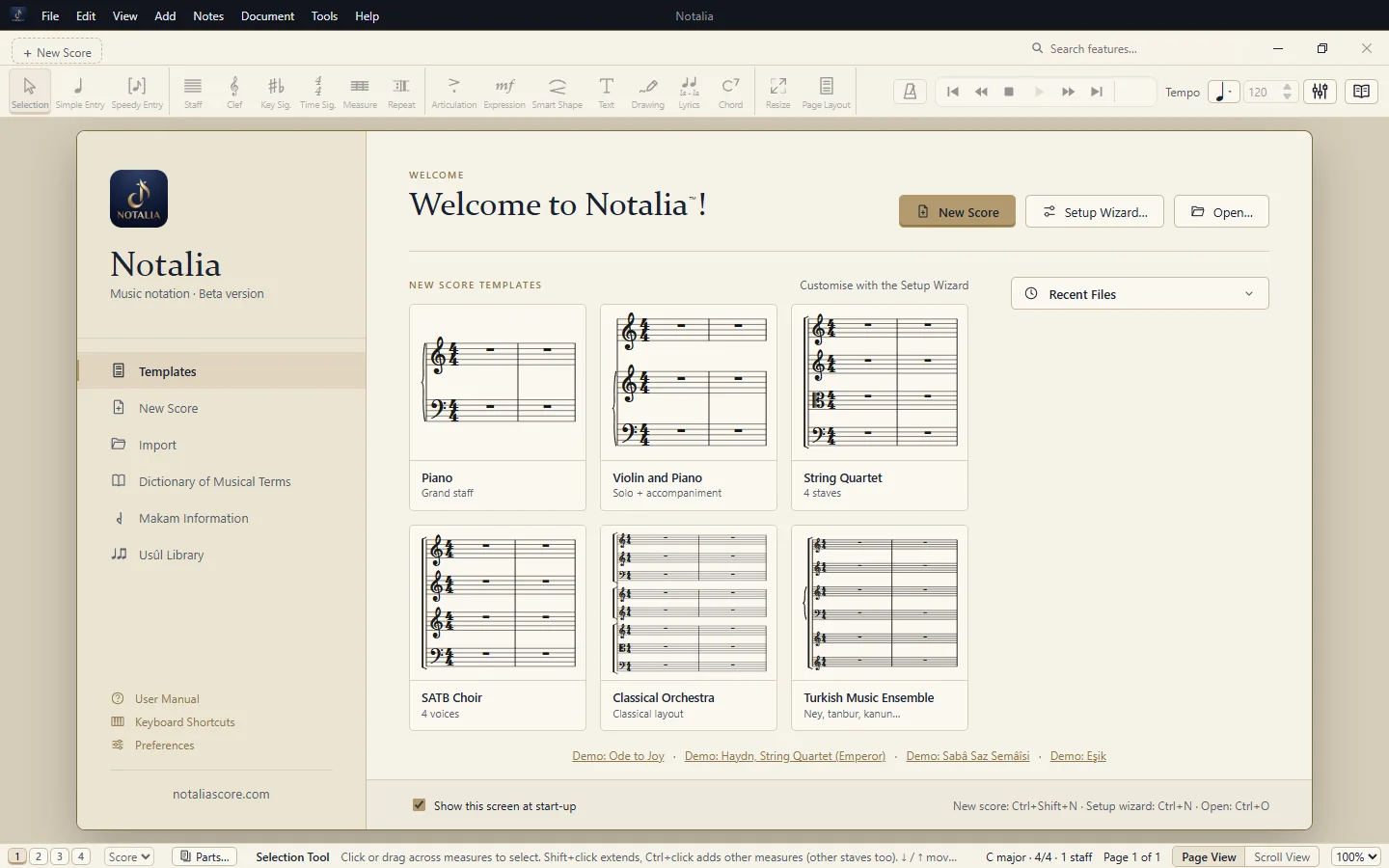
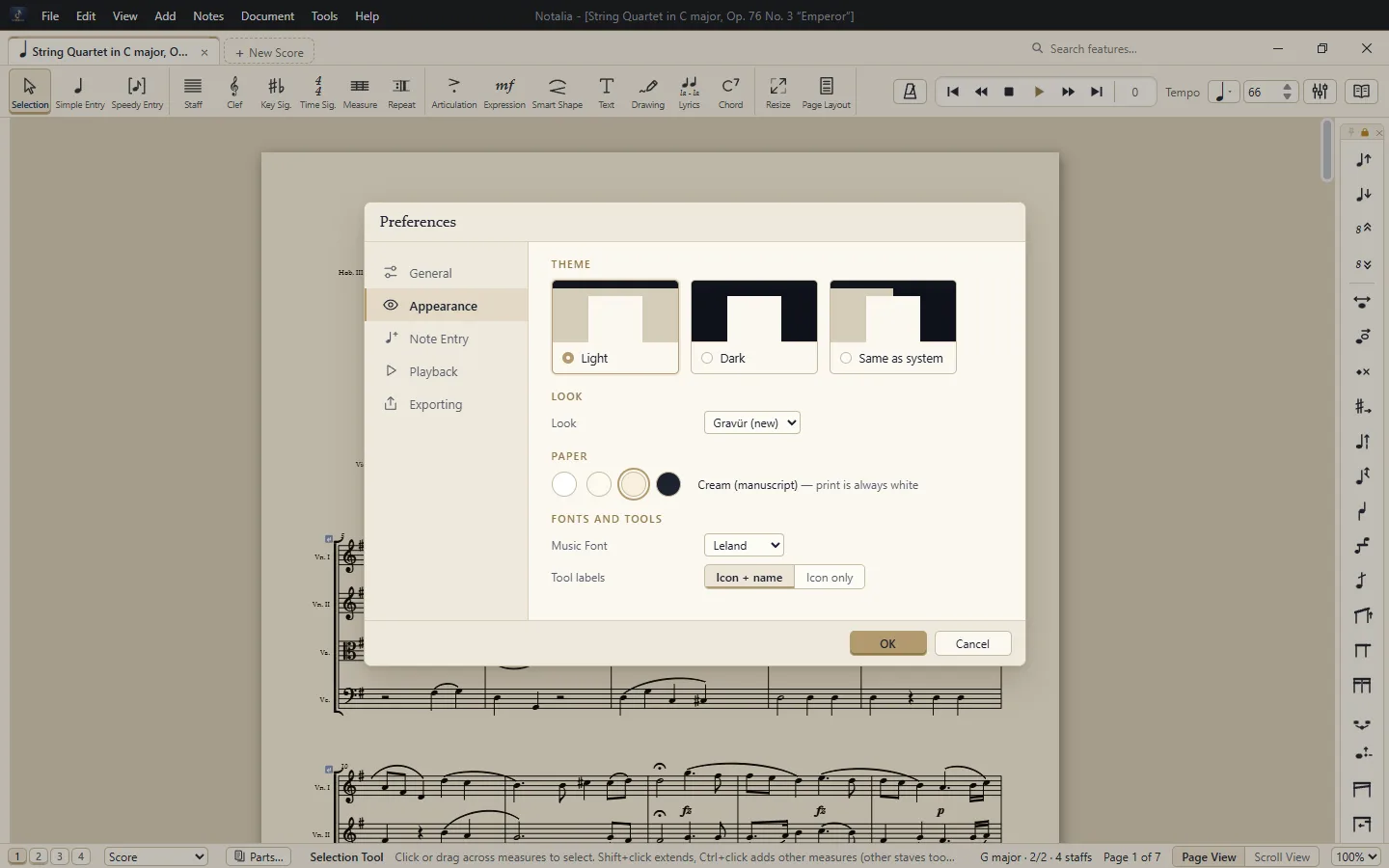
In Notalia, Turkish music is part of the program, not an add-on. No extra setup, no plug-ins.
Whether you are writing your first score or have been engraving music for years, Notalia is designed to make the work easier, whatever kind of music you make.
From solo pieces to chamber music, from songs to full orchestral scores: write, listen and get your music ready to print, fast.
Makam key signatures, koma accidentals, perde names, usûls and bağlama tavırs are part of the program, with no extra setup or add-ons.
A Drawing Tool for graphic notation, staves with any number of lines, unmetered cadenza passages, composite meters, extended playing techniques and percussion pictograms.
Lesson material, exercises and exam questions, with range checking and a Turkish–English dictionary of music terms at hand.
Arrange for choirs, orchestras and ensembles; extract all the parts at once and add cue notes automatically.
Export the score as Braille music (BRF), so blind students and the teachers who work with them can share the same music.
The careful work a print-ready page needs is part of the program.
17 fine-tuning tools for noteheads, stems, beams, ties and dots, one item at a time.
Slurs, hairpins, 8va, trills, glissandi, pedal and custom lines; bend and stretch them with handles.
Linked parts, four layers per staff, cue notes and multimeasure rests.
Leland, Bravura, Petaluma and more: switch between open-licence SMuFL fonts in one click.
Follows repeats, endings, D.C. / D.S. and Coda; makam notes play at the exact koma pitch.
Notes an instrument cannot play are marked yellow or red on screen, never in print.
Measure widths, system and page breaks fall into place on their own; the Page Layout Tool lets you adjust them by hand.
Turns PDFs made with notation programs into an editable score, page layout included.
Export the score as Braille music (BRF) for blind musicians.
Graphic notation: freehand lines, growing lines, wedges, boxes and arrows that stretch with the measure.
Separate numbering, style, prefix and suffix for every section; show, hide or restart at a single measure.
Chord symbols and fretboards; a TAB staff linked to the music staff for guitar, bass, ukulele and bağlama.
Orchestra, band, Turkish music and world instruments, ready with their ranges and transpositions.
Writing without measures, cadenza measures, ossia, hidden measures, special noteheads and stems, fingering diagrams.
Small animations that open when you click a tool icon; all of them together in the F1 gallery.
Open work you made in other notation programs. MusicXML files arrive with their page layout. Work kept in closed formats such as .sib and .dorico opens once you export it from that program as MusicXML or PDF.
Print, or export your score for publishing, audio or the web.
Notalia is in beta. Fill in the form; we review each application and send you a personal download link by e-mail. Your feedback helps us shape the program.
If Windows SmartScreen warns you, choose “More info” › “Run anyway”. The Mac version is not yet signed by Apple, so the download e-mail and the download page walk you through the first start step by step. More in the User Manual.
For comments, suggestions and feedback on the beta, please contact us by e-mail.
[email protected]